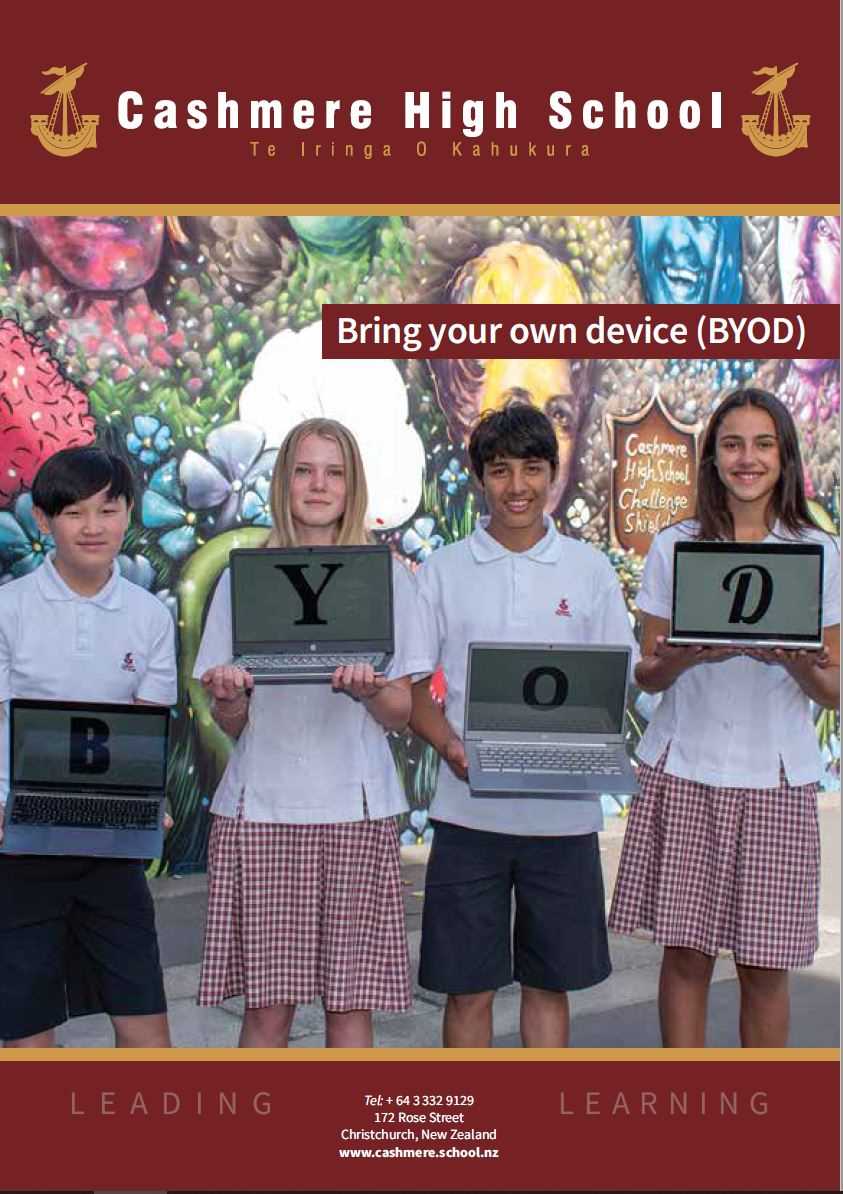
Cashmere High School is a high achieving learning environment where students will use digital tools to access, contribute to and collaborate on enriched learning resources in the classroom. Therefore all students are required to bring a personal computing device (BYOD*) to school to support their learning.
To prepare our students for a meaningful life beyond school, we embrace devices as a tool for personal growth and mahi tahi (collaboration). Developing digital literacy and responsible tūrangawaewae (citizenship) empowers our learners to build strong connections, explore diverse opportunities, and make a positive contribution to both our local and global communities.
*BYOD = Bring your own device - please note this device will be monitored while connected to our school network as per our CHS Responsible ICT User Agreement.




 Admin Login